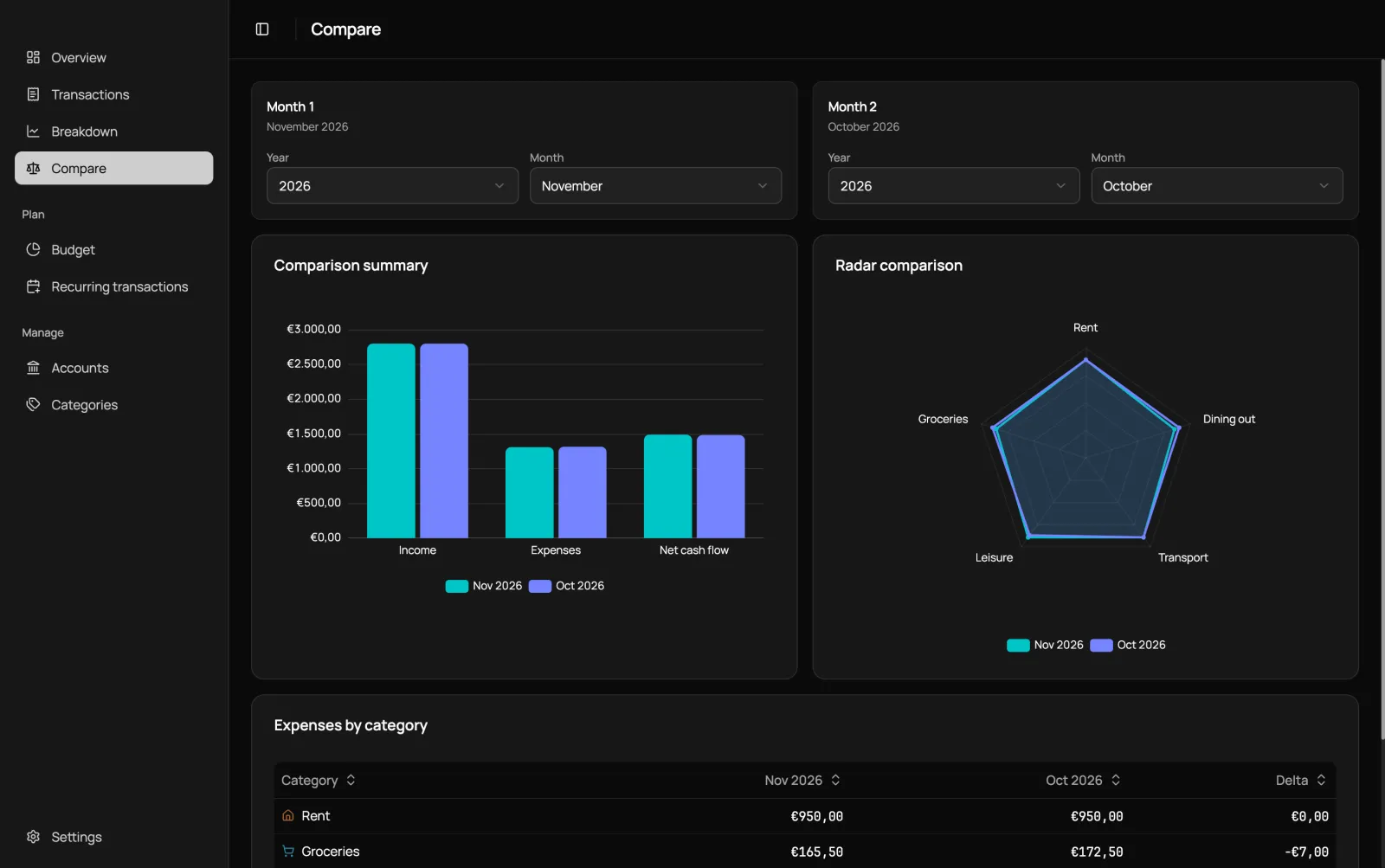
You've outgrown expense-tracking spreadsheets
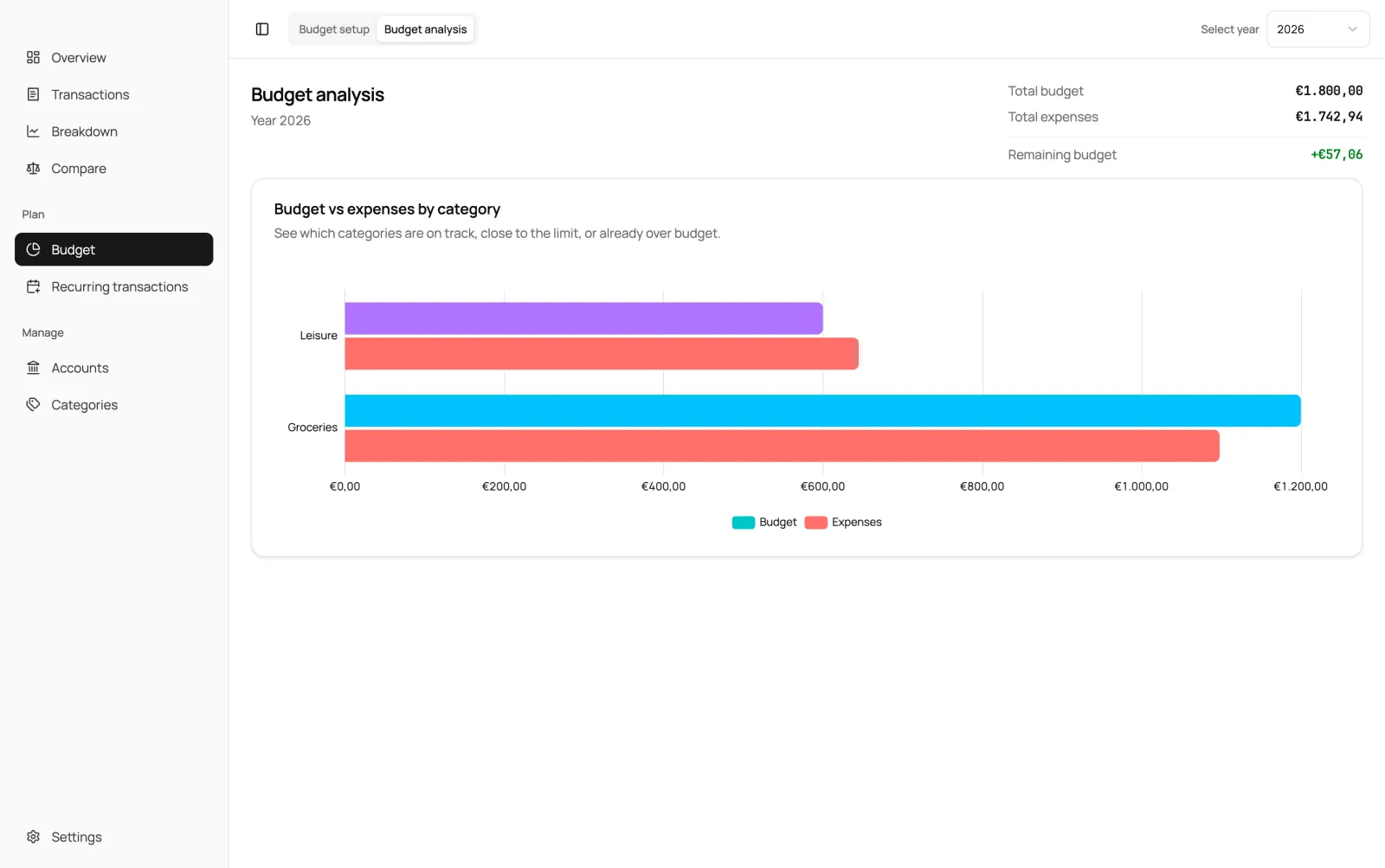
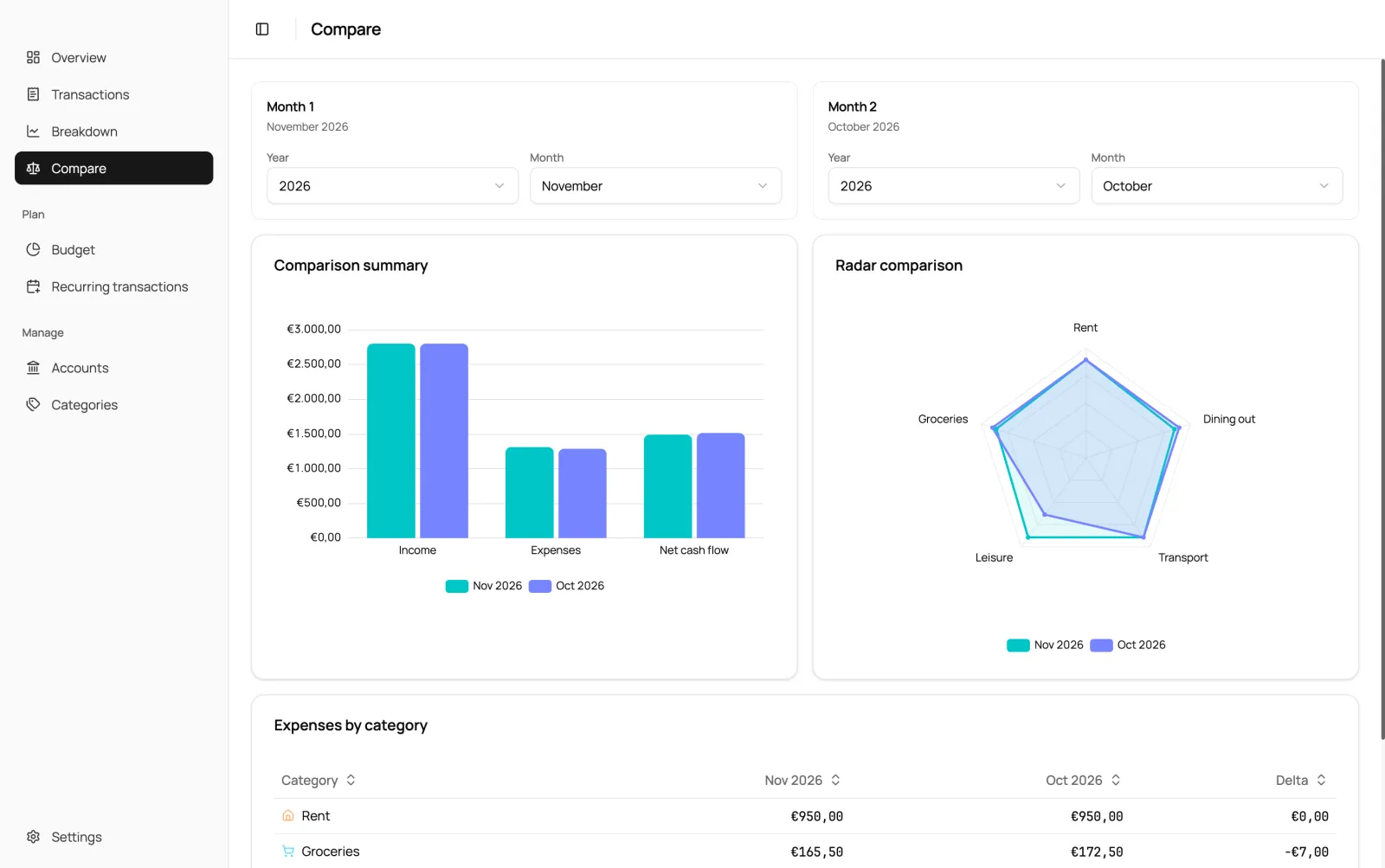
Track accounts, categories and budgets with charts you do not have to build or maintain.
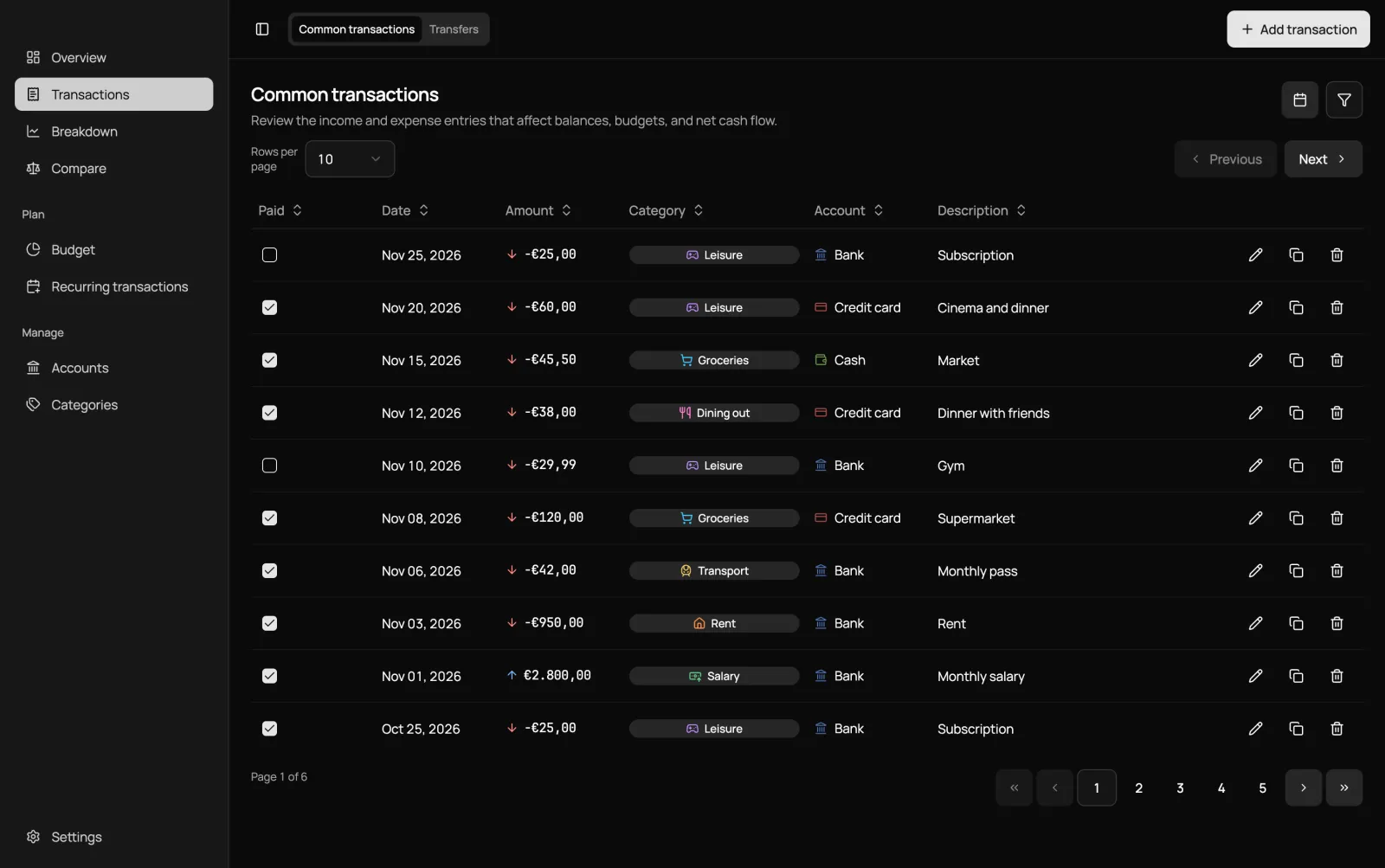
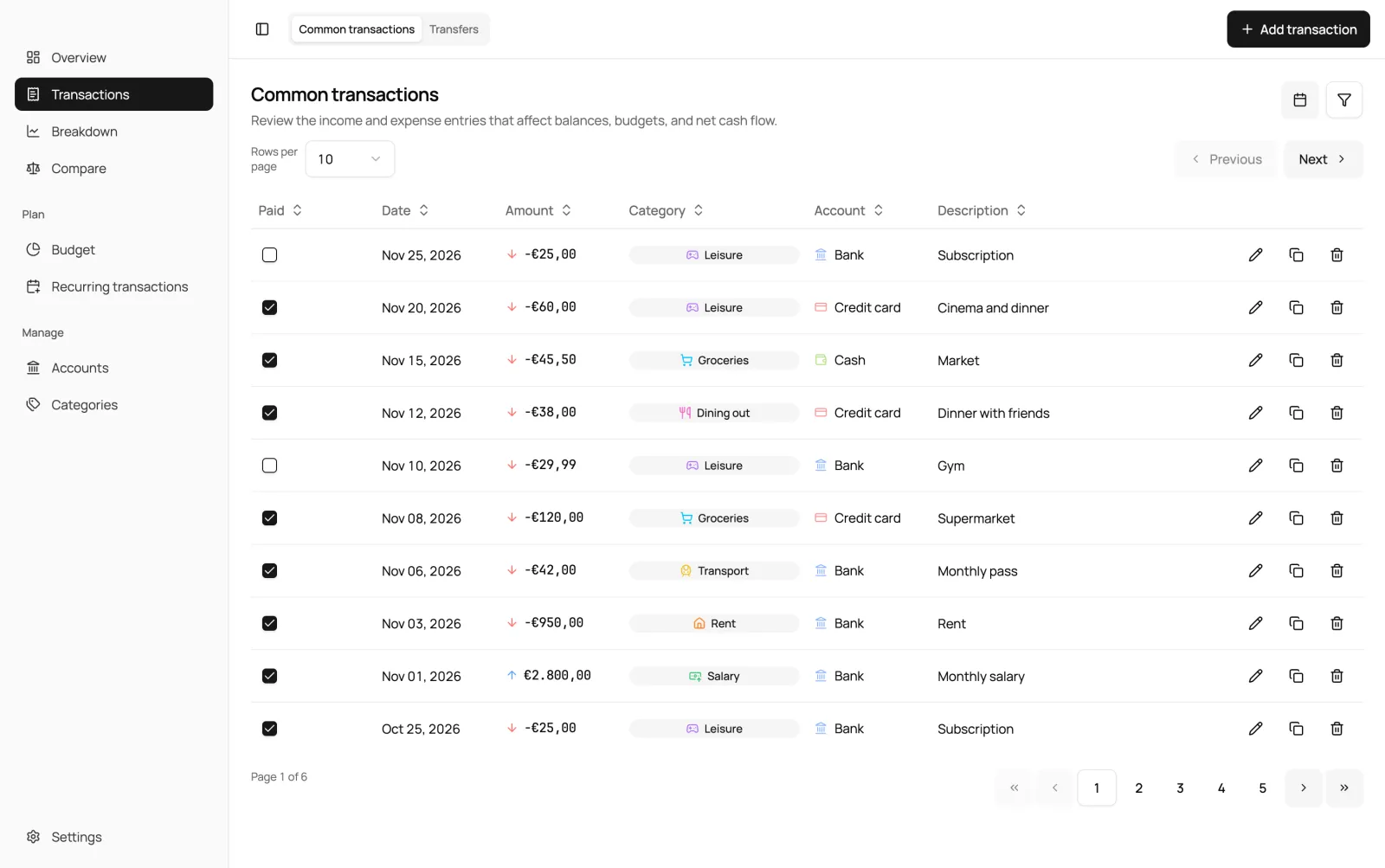
Track accounts, transactions, budgets and net worth in a free, open-source app. Your finances live in one SQLite file you control.
Your finances live in one SQLite file on your computer. Move it, back it up or sync snapshots to a folder you choose.
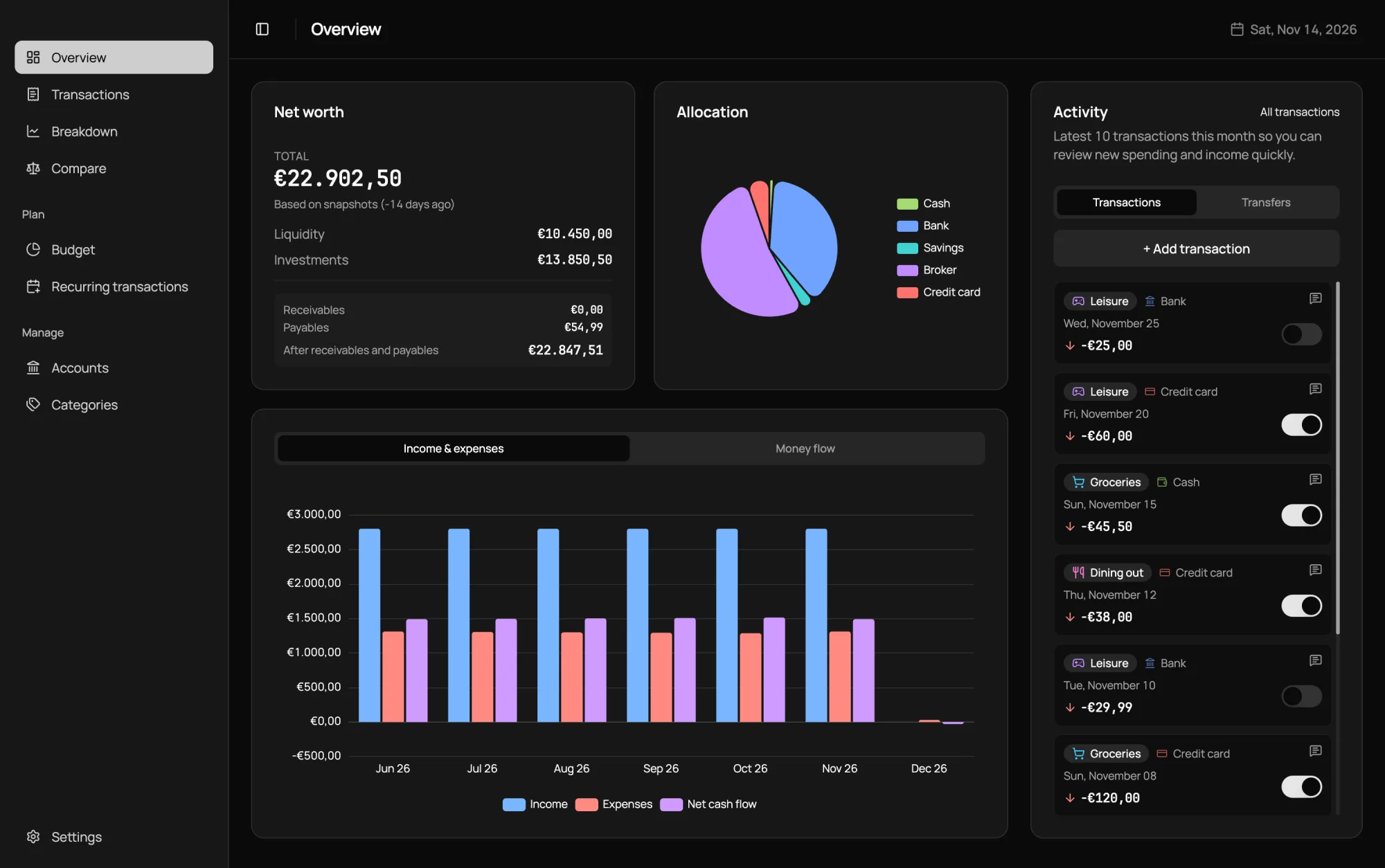
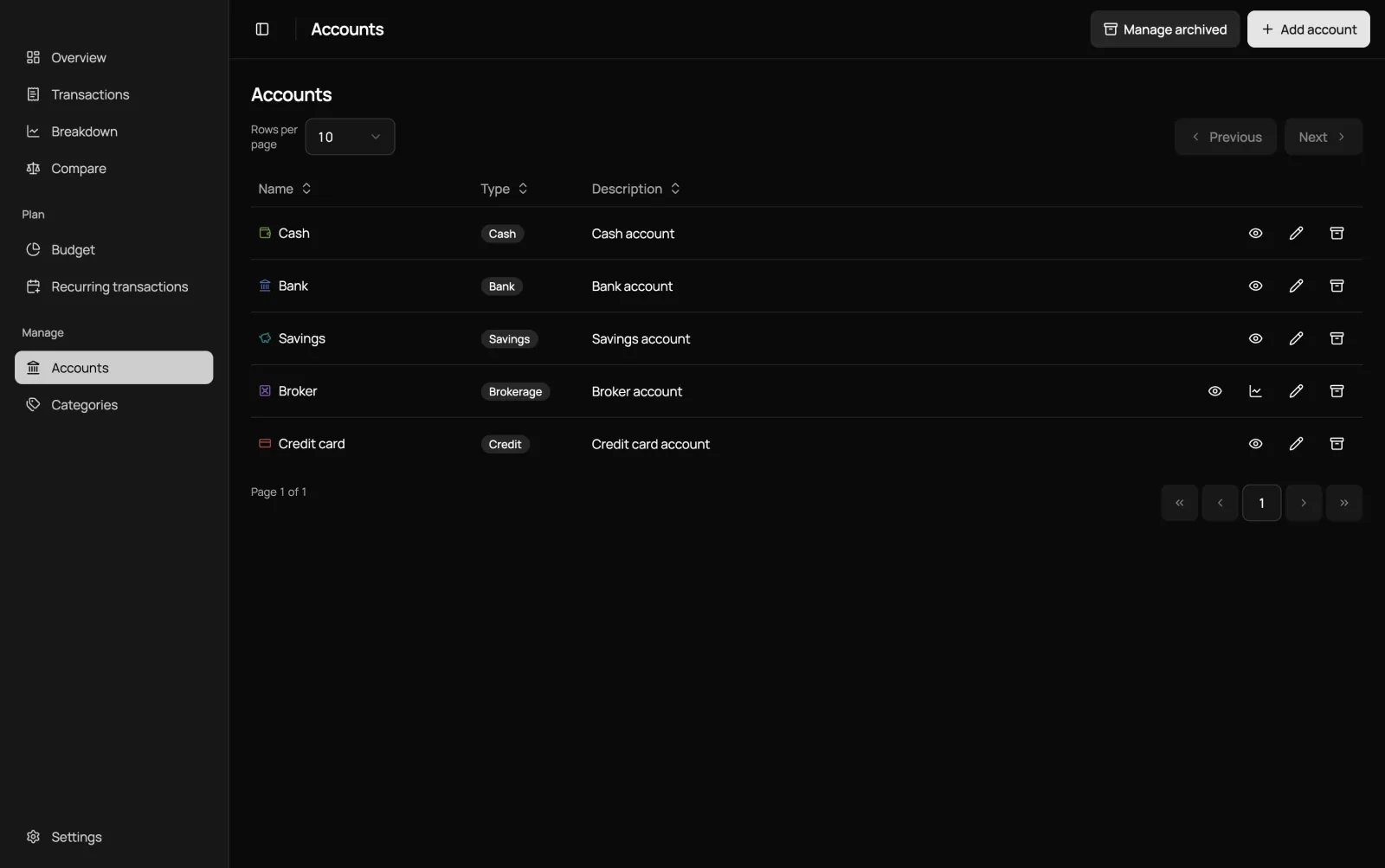
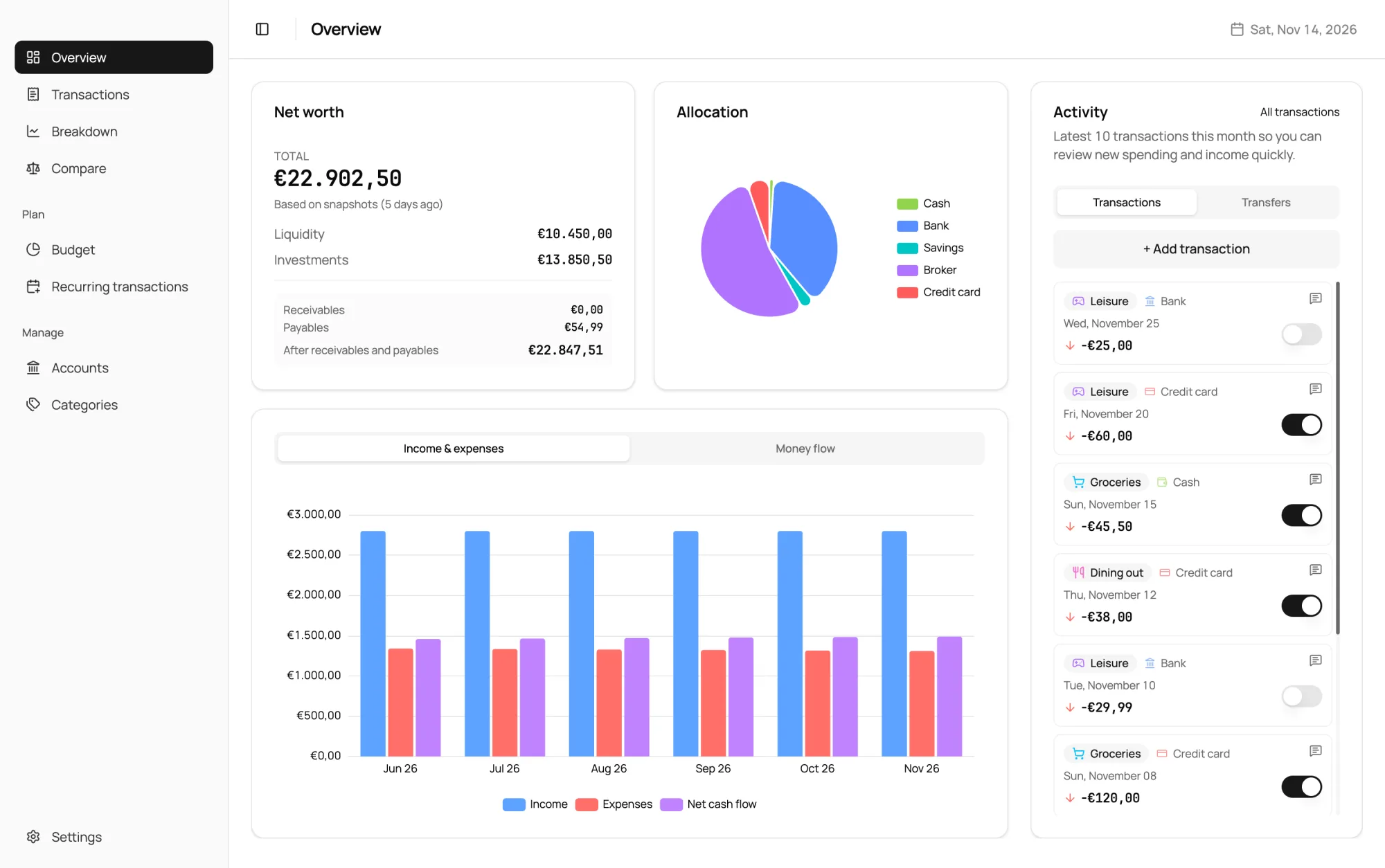
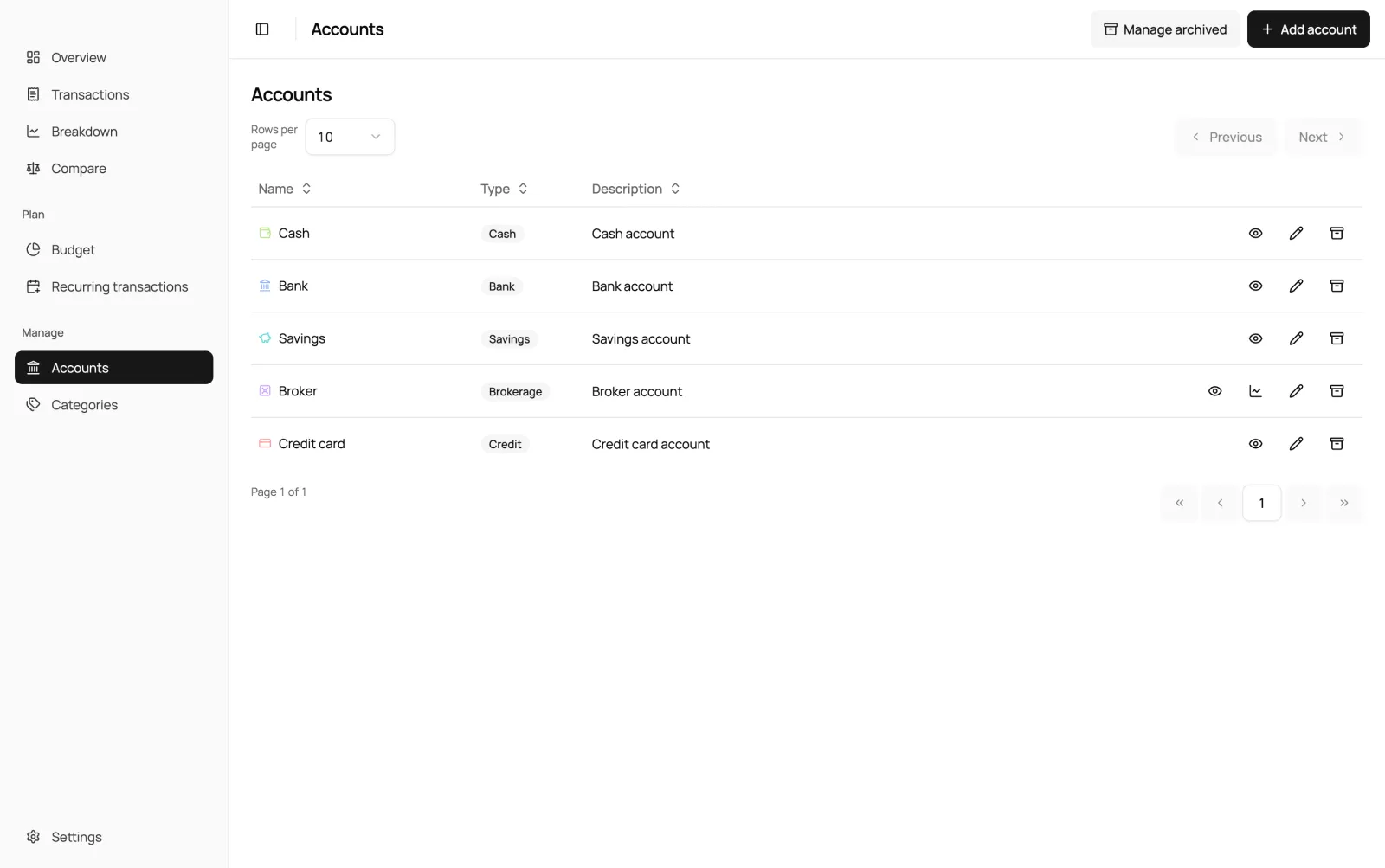
Net worth across cash, bank, savings, brokerage, crypto and credit accounts. Transfers between your own accounts don't distort income or expenses.
Open the app when you want to review your money. It won't chase you with alerts, streaks or upsells.
The entire app is MIT-licensed. Read the code, audit it or build it yourself.
If any of these sound like you, it was built for you.
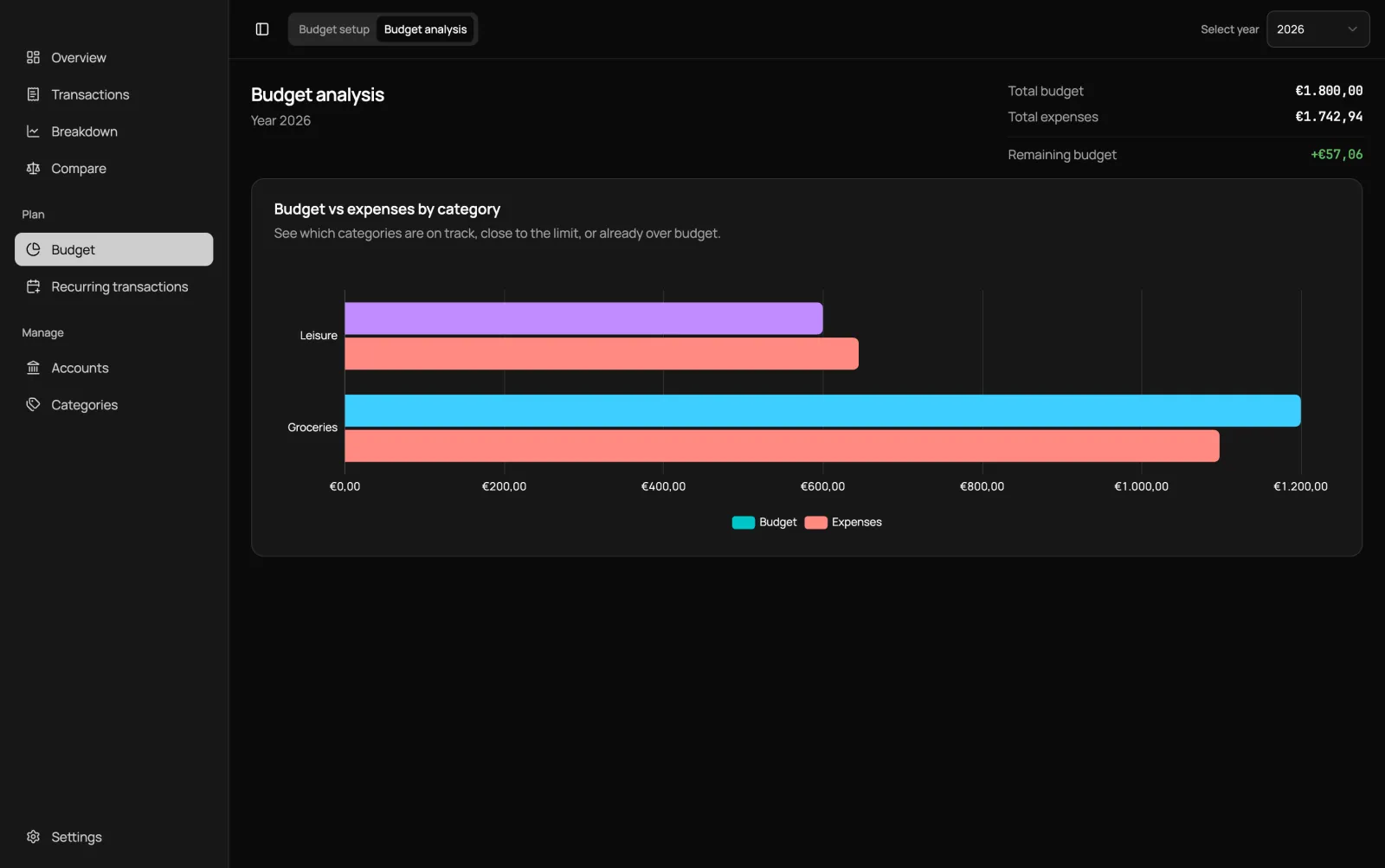
Track accounts, categories and budgets with charts you do not have to build or maintain.
Your numbers stay on your computer. The app works without an account, analytics or advertising.
A calm place to see where the money went, with no alerts or streaks.
Short answers about the app and how it behaves.
Not today. Add transactions yourself or import them from an Excel file. Bank connections are planned for a future release.
No. There is no account, no analytics and no server. The only network request is a check for new releases on GitHub, which sends none of your data. Backups and sync write only to folders you choose.
In one SQLite file on your computer. Copy it anywhere, or have the app save backups to a folder you pick and restore from them.
Optionally. Point the app at a shared folder, such as a cloud drive, a NAS or a USB drive, and it saves snapshots there. There is no Boring Balance cloud.
Yes. The app is MIT-licensed and free to download. It has no subscription, advertising or paid tier.
From GitHub Releases. The download button at the top picks the right build for your system.
Looking at your own numbers is how you understand them. Boring Balance gives you tools to review, not an autopilot.